.svg)
.svg)

You can add URL parameters to your Strella study link to pass metadata such as participant IDs, campaign tags, or analytics tracking values.
You can either:
- Capture metadata directly in Strella
- Forward metadata to an external destination after interview completion
Study URL Format
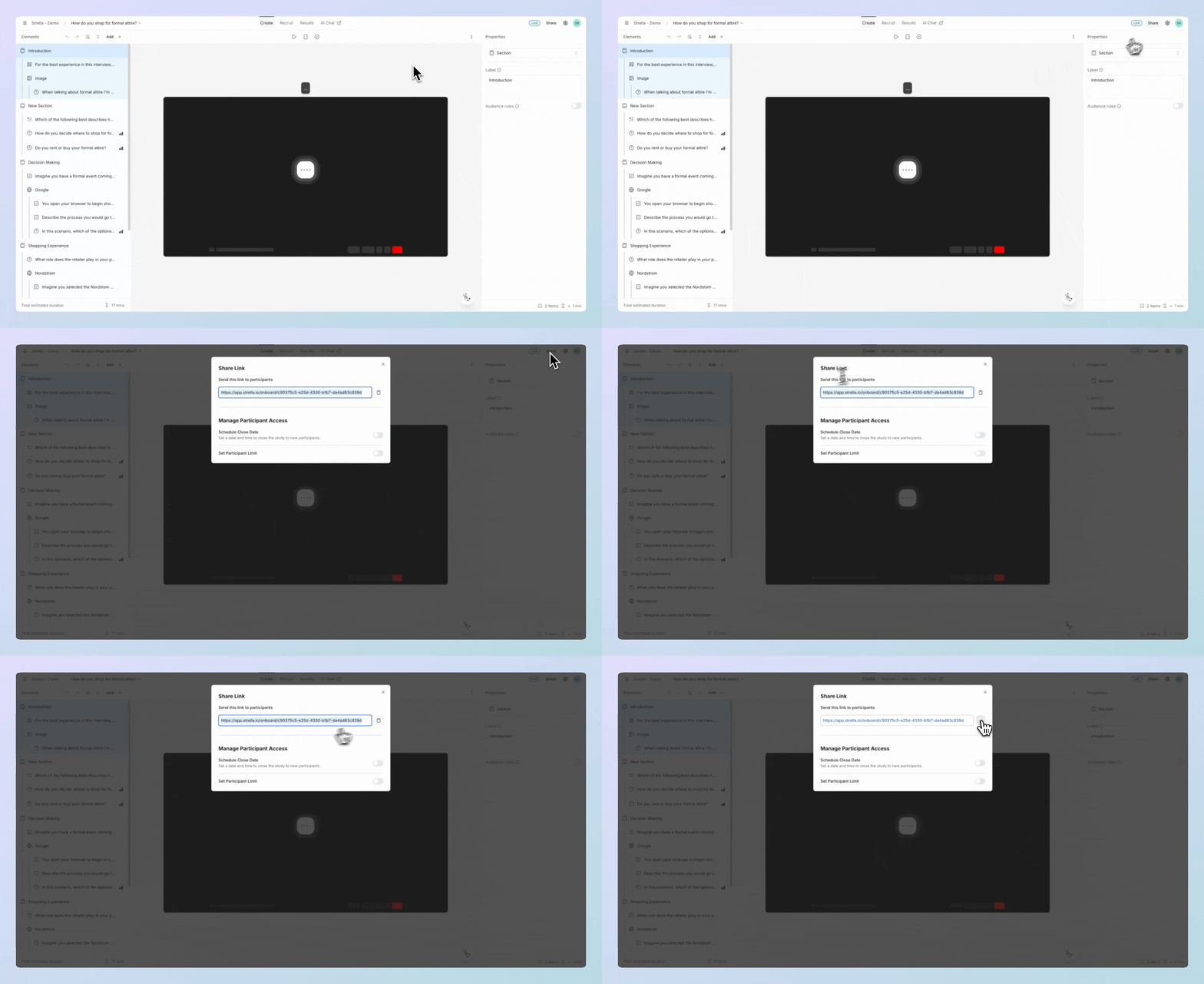
Each study has its own public share link generated by Strella:
https://app.strella.io/onboard/{TOKEN}
Example:
https://app.strella.io/onboard/abcd1234
You can find this public link when you click Share in the upper right corner of your study dashboard.
Capture Metadata in Strella
Use standard parameter names when you want metadata stored in Strella.
Example parameters:
-
user_id=abcd-1234-efgh-5678 source=cohort202602
Full link example:
https://app.strella.io/onboard/abcd1234?user_id=abcd-1234-efgh-5678&source=cohort202602
Strella captures:
user_id=abcd-1234-efgh-5678source=cohort202602
Forward Metadata to an External URL
Use this flow when you want metadata passed to an external system. To be able to forward URL parameters, you must redirect participants to an external URL after their interview is finished.
Before you add parameters, make sure Redirect to URL is configured because this is the destination Strella appends forwarded metadata to. For setup steps, see Redirect Participants After Interview.
When adding parameters, you must include them with the forward_ prefix.
Example parameters:
forward_user_id=abcd-1234-efgh-5678forward_source=cohort202602
Full link example:
https://app.strella.io/onboard/abcd1234?forward_user_id=abcd-1234-efgh-5678&forward_source=cohort202602
Strella removes the forward_ prefix before appending parameters to the redirect destination.
If the Redirect to URL location is:
https://customer-redirect-url.com/call-completed
Then Strella redirects to:
https://customer-redirect-url.com/call-completed?user_id=abcd-1234-efgh-5678&source=cohort202602
End-to-End Example
Best Practices
- URL-encode values that contain spaces or special characters
- Avoid passing sensitive data or raw PII in query strings
- Use stable IDs or hashed values when possible